Ensuring accurate humidity measurement in industrial processes

From the automotive industry to food production and from pharmaceuticals to steel or chemicals production, humidity measurement is a key part of many industrial processes. With potentially hundreds or even thousands of measurement points needed, ensuring stable, precise, and reliable measurement is extremely important.
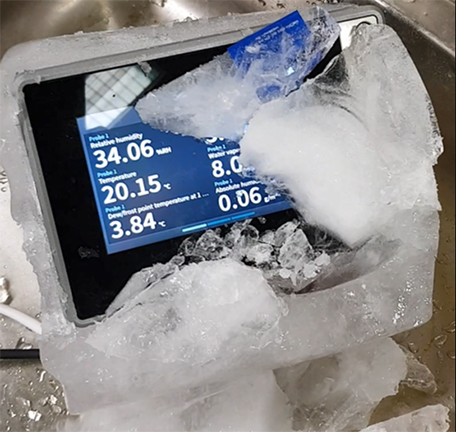
This becomes more difficult in environments with high relative humidity (over 90% RH). In high relative humidity, all objects, including humidity sensors, are likely to be at a temperature close to saturation. In such an environment the vapor pressure gradient is not sufficient for effective evaporation of liquid water from the sensor surface. The sensor may stay wet for a several minutes or more, causing a prolonged measurement outage even after the environment is no longer saturated.

Modular probes and transmitters
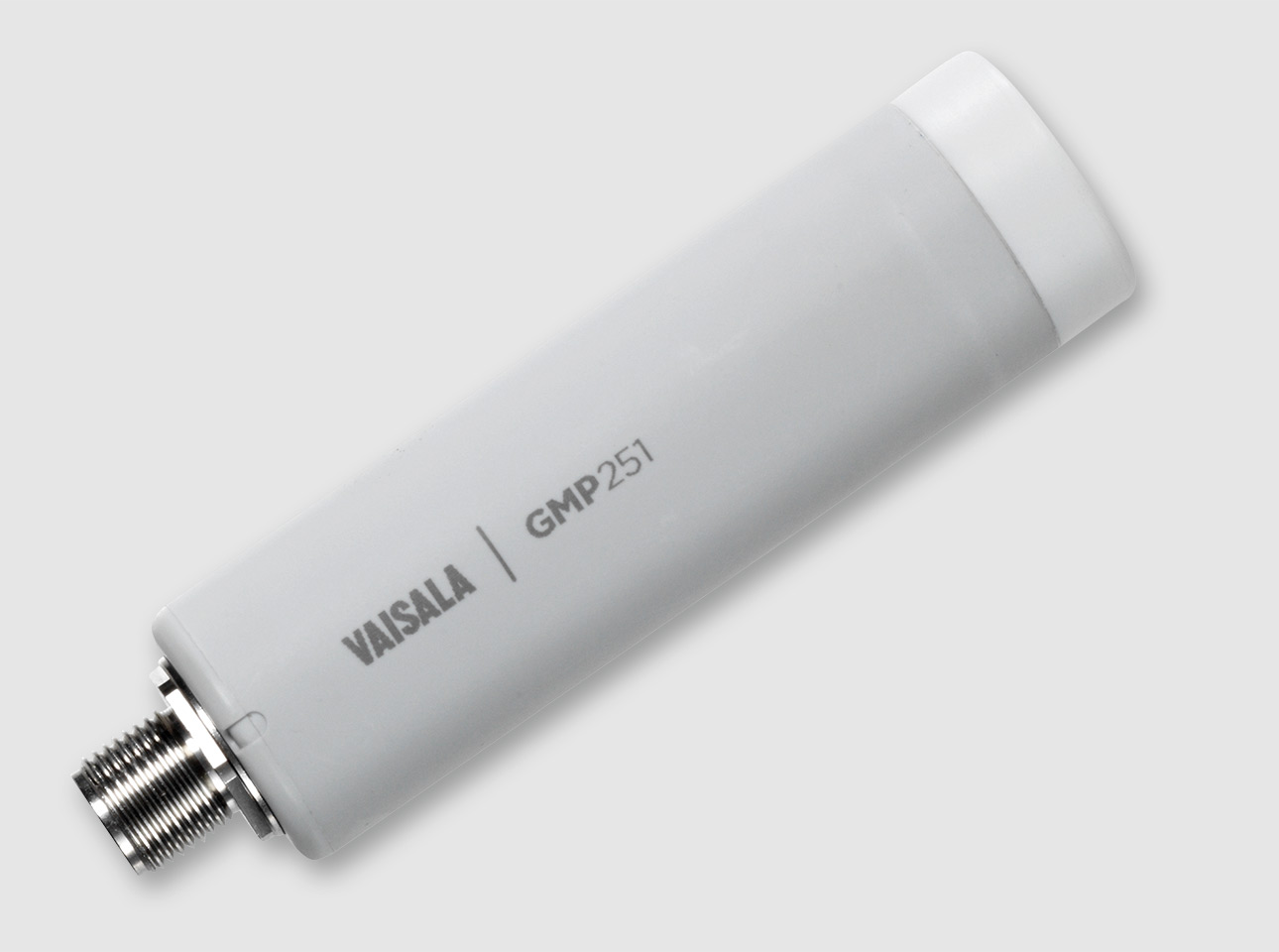
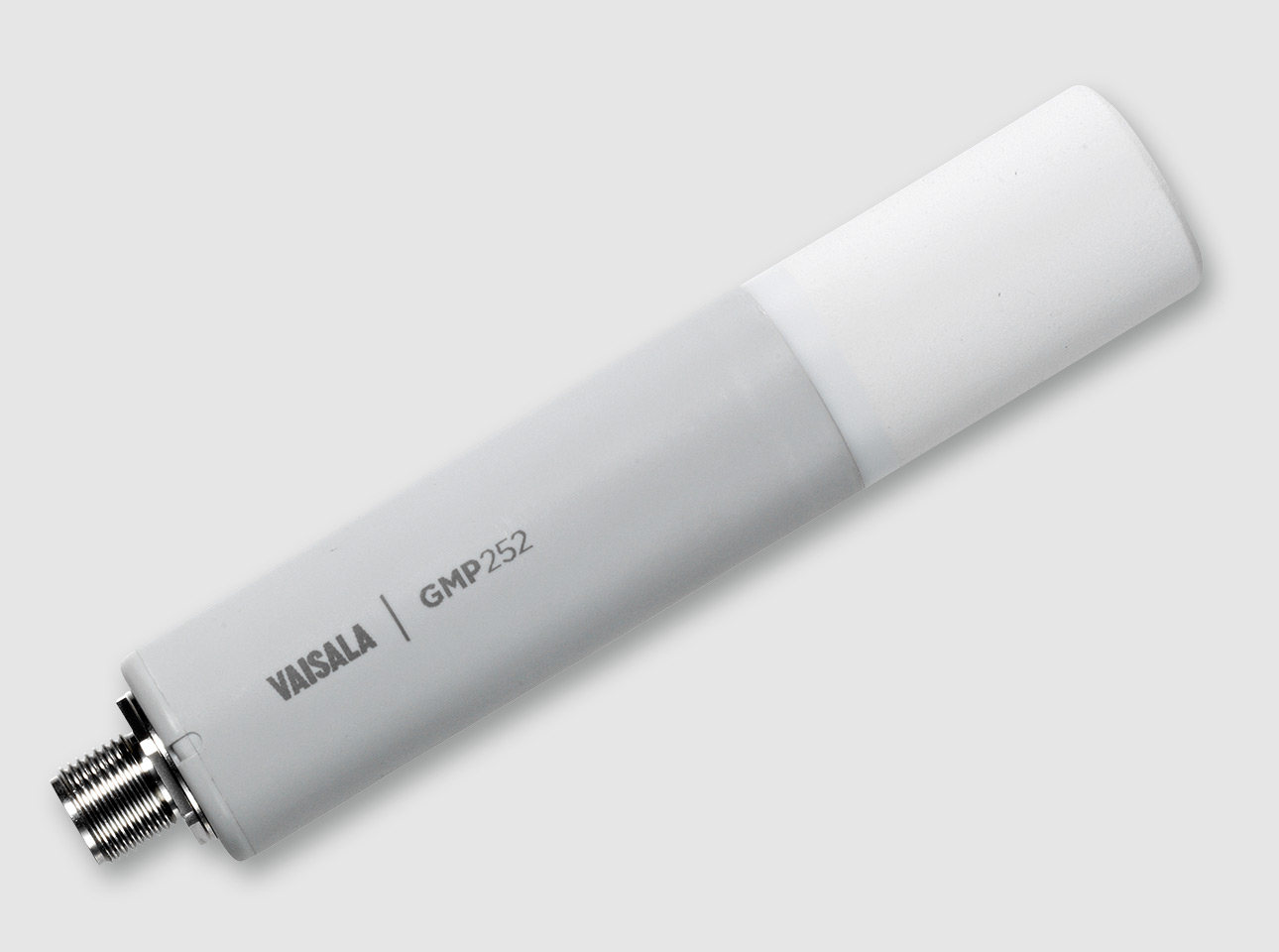
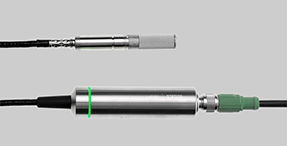
In order to ensure stable and reliable measurement for tough industrial environments, Vaisala created the Indigo500 series of top-of-the-line, modular transmitters that pair with our industry-leading measurement probes. Solutions are available for all industrial and even outdoor measurement applications, including humidity probes with Vaisala warmed probe technology for reliable and accurate measurement even in environments with 100% relative humidity. The Indigo500 series also supports probes for temperature, dew point, moisture in oil, carbon dioxide (CO2), and vaporized hydrogen peroxide (H2O2) measurement, offering users a great deal of measurement flexibility.
Whatever the application, all Indigo probes are extremely accurate and reliable with excellent long-term stability, allowing you to detect even the weakest signals to make better and more timely decisions based on accurate data.
Introducing the Indigo510
The first product in the Indigo500 range was the Indigo520, which offers the widest range of customization options and features, including support for two probes. It was designed for use in tough industrial environments, with a highly robust metal casing that has been proven in reference cases worldwide. For customers that don’t require the full range of functionality offered by the Indigo520 and who only need one probe, we now offer an equally robust alternative.
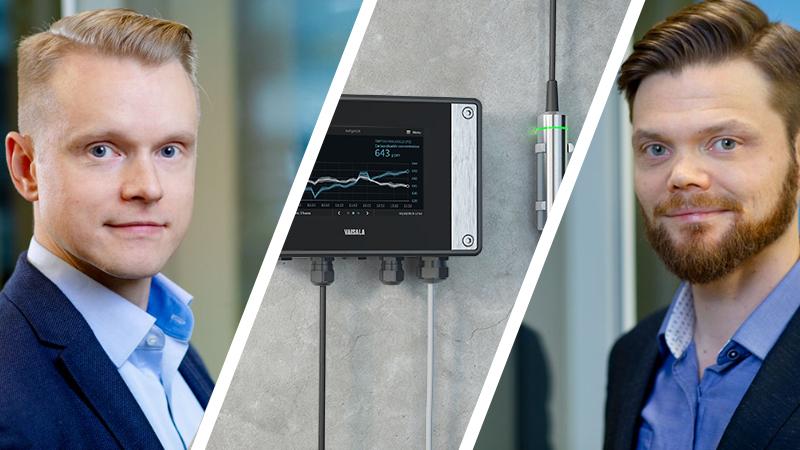
The new Indigo510 builds on the same platform and includes the same metal casing, software, display, and modularity as our flagship Indigo520 product. The features include modular support for a single Vaisala probe (meaning the probe type can be changed if needed), DC input, and two analog outputs. While the build quality and industry-leading measurement capability remain the same, the reduced feature set translates into a more streamlined price point. This makes the Indigo510 ideal for applications where precise and reliable measurement is needed for a single variable (like humidity) even under harsh conditions. Indigo510 customers will also benefit from regular platform updates and software improvements for their transmitter.
Combined with Vaisala Insight software, the Indigo series of transmitters and probes provides a solid ecosystem to ensure energy efficiency, safety, and end-product quality in your operations.
Read more about the Indigo series or contact us for more information.
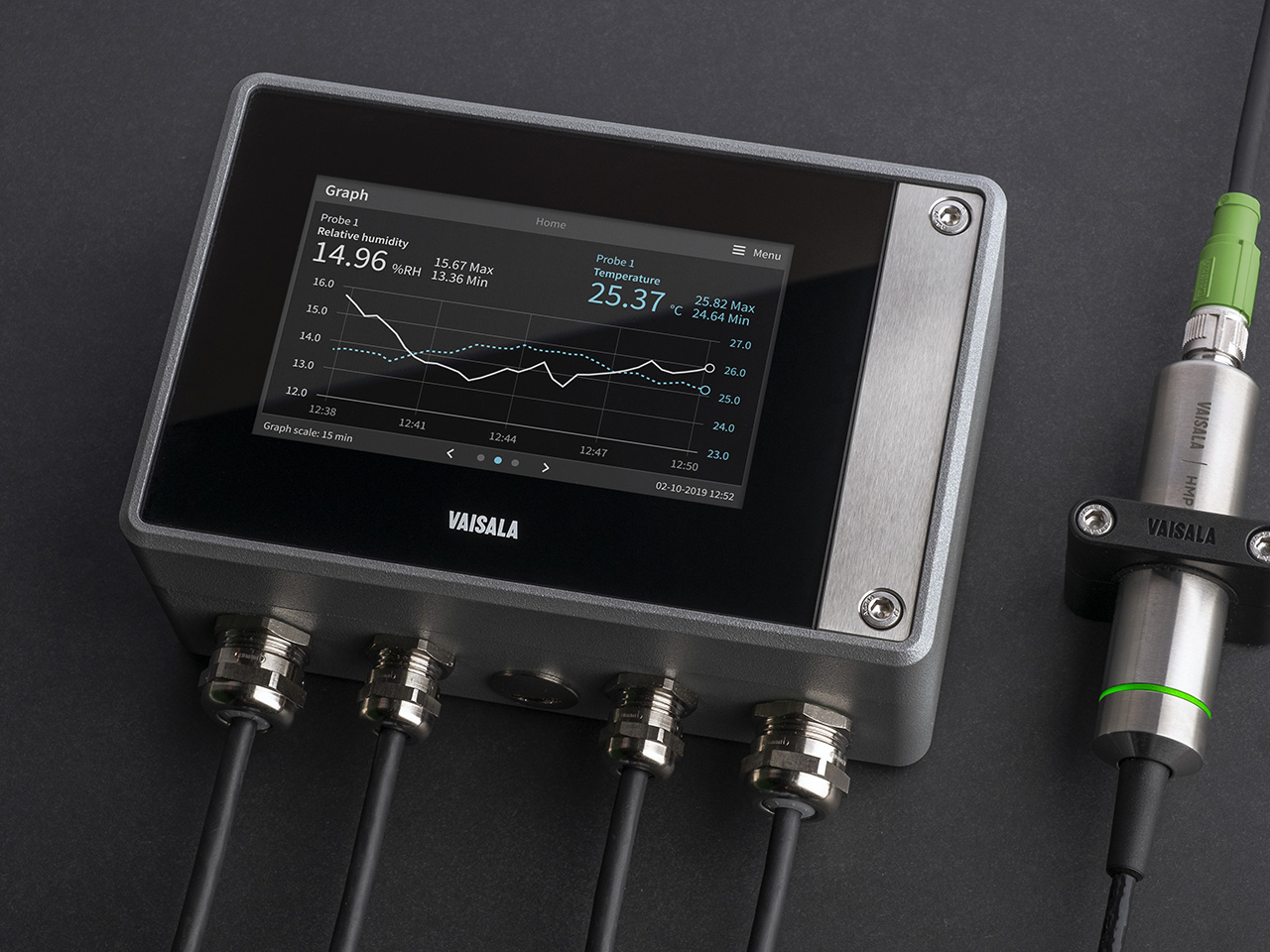
Indigo500 Series Transmitters
The Vaisala Indigo500 series transmitters are host devices for Vaisala Indigo-compatible, stand-alone smart probes. The Indigo500 series include multi-functional Indigo520 transmitter and Indigo510 transmitter with basic features.
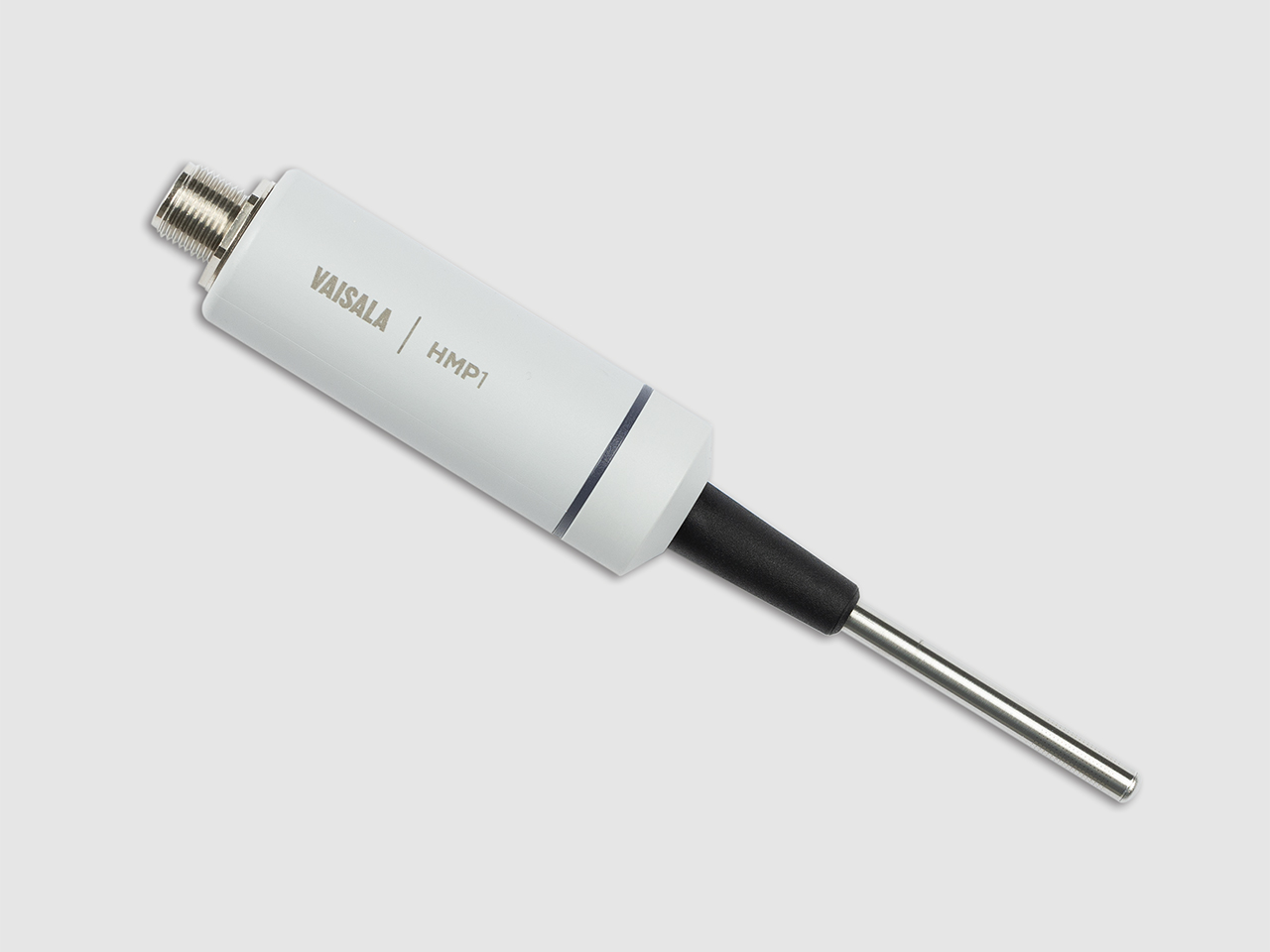
Humidity and Temperature Probe HMP1
Vaisala HUMICAP® Humidity and Temperature Probe HMP1 is designed for measuring ambient measurement in indoor spaces.
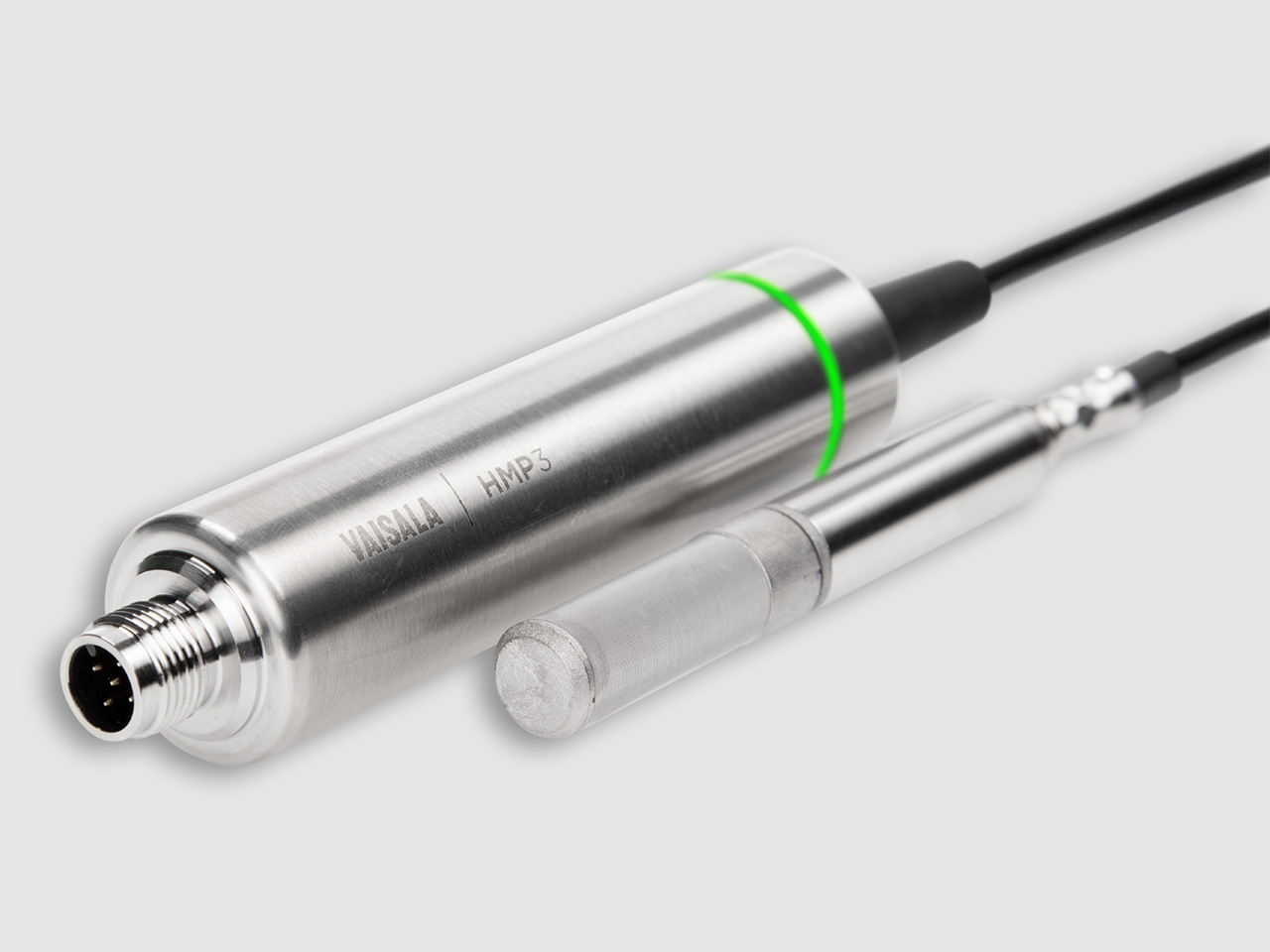
Humidity and Temperature Probe HMP3
Vaisala HUMICAP® Humidity and Temperature Probe HMP3 is a general-purpose probe designed for processes with moderate humidity and temperature levels.
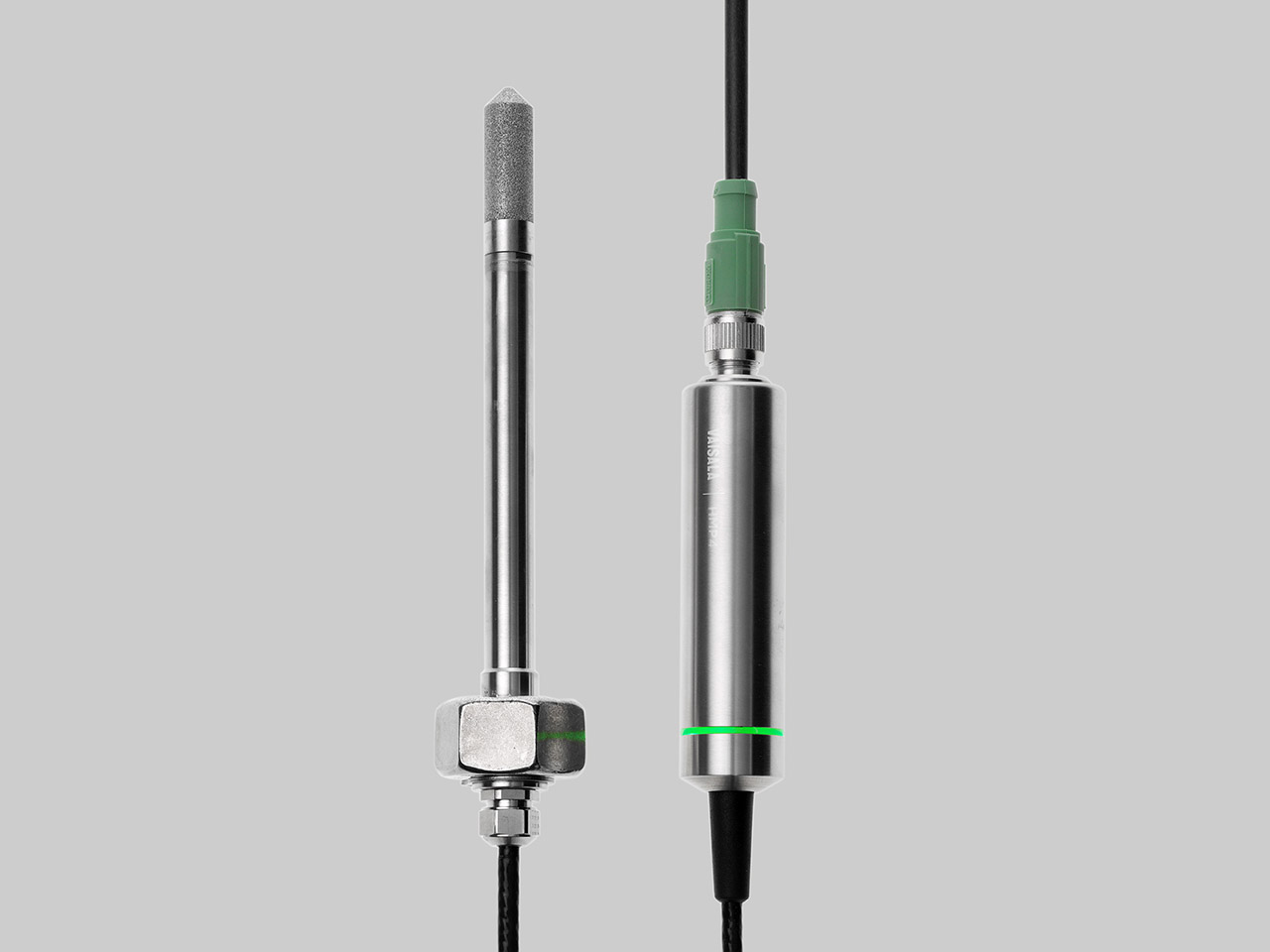
Relative Humidity and Temperature Probe HMP4
Vaisala HUMICAP® Humidity and Temperature Probe HMP4 is designed for high-pressure applications such as compressed air systems in maritime, breathing air, and industrial applications, where measurement performance and chemical tolerance are essential.
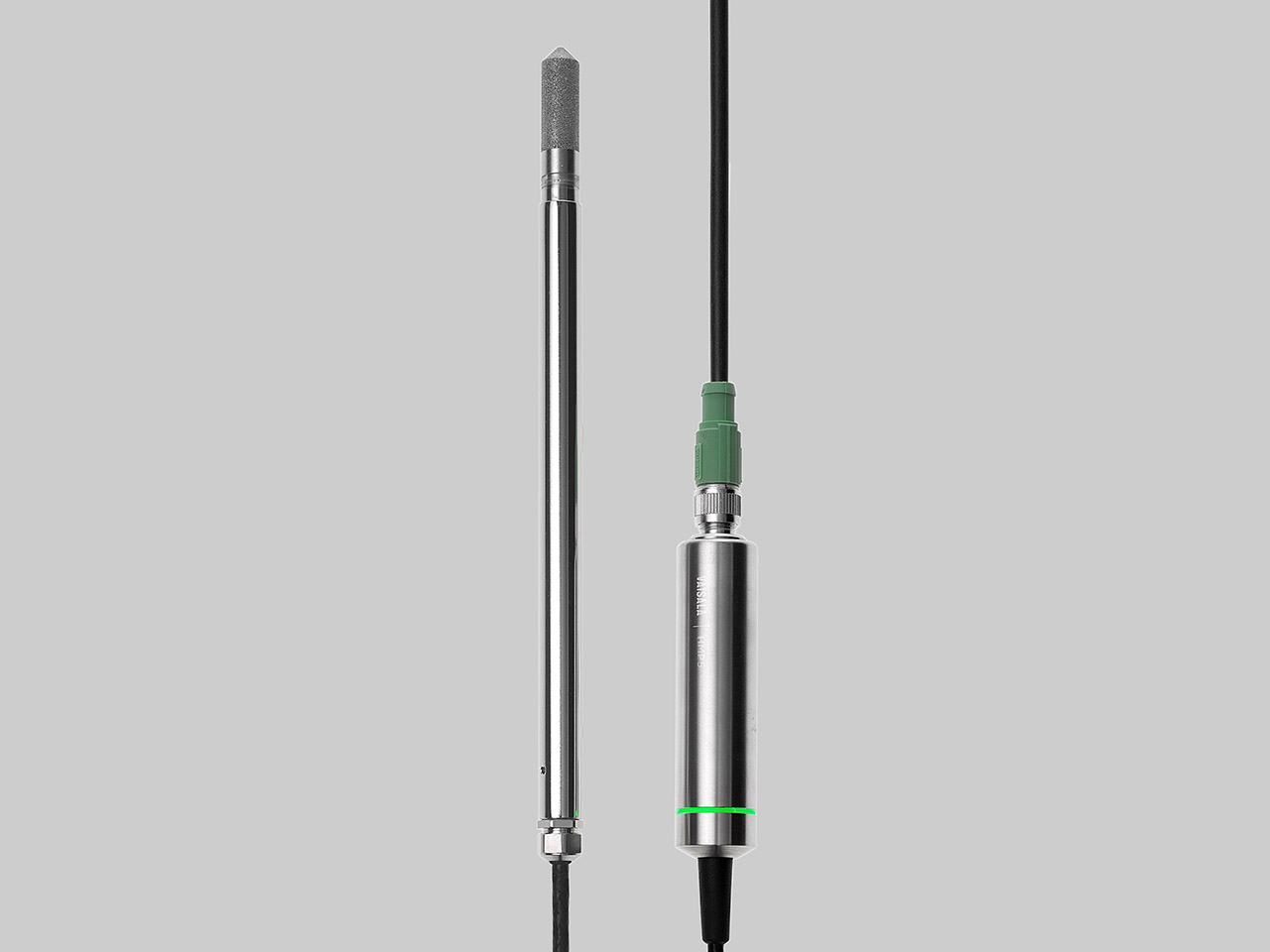
Relative Humidity and Temperature Probe HMP5
Vaisala HUMICAP® Humidity and Temperature Probe HMP5 is designed for high temperature applications such as baking ovens, pasta dryers, ceramics and industrial drying kilns where measurement performance and chemical tolerance are essential.
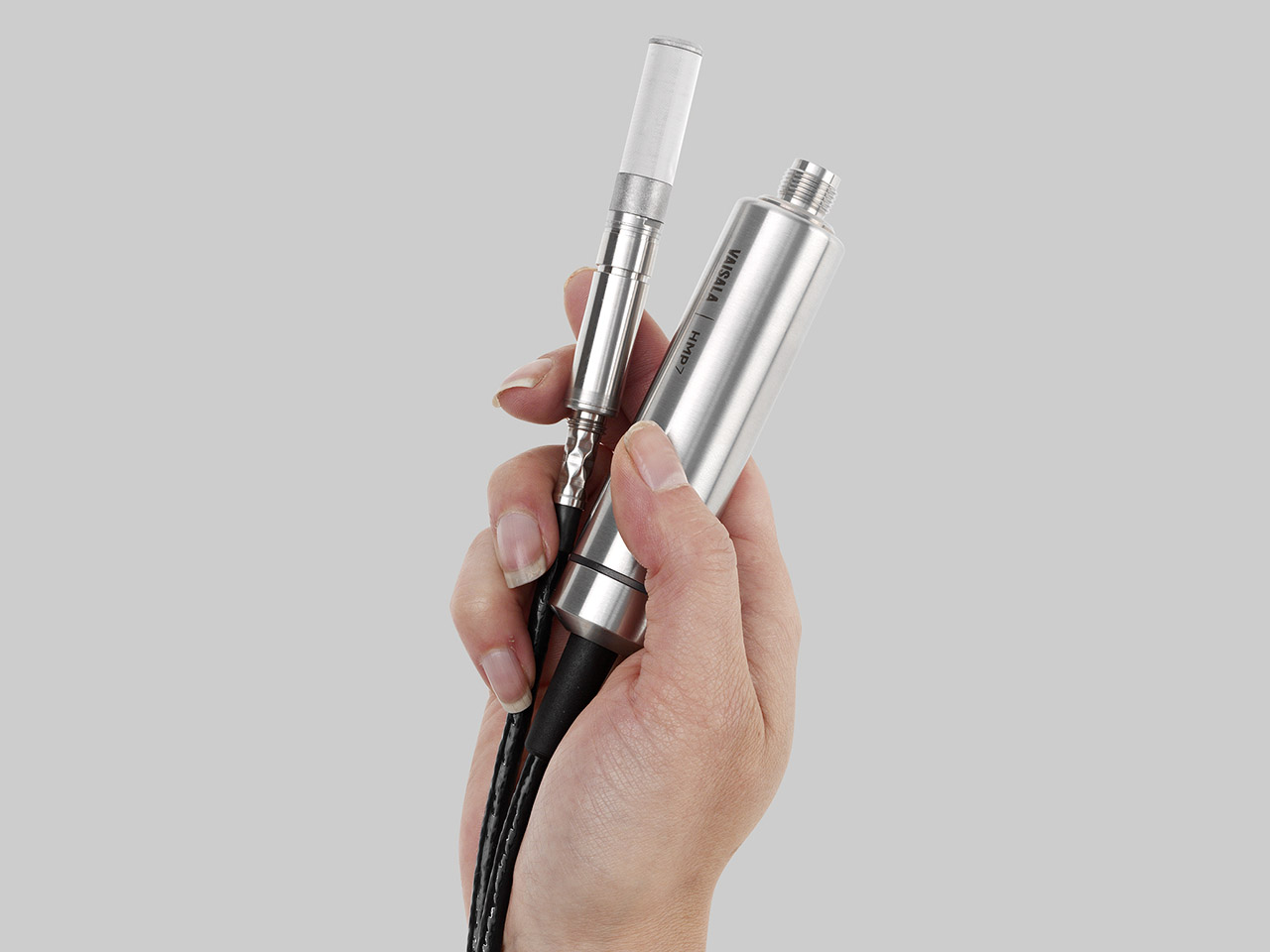
Relative Humidity and Temperature Probe HMP7
Vaisala HUMICAP® Humidity and Temperature Probe HMP7 is designed for applications which involve constant high humidity or rapid changes in humidity
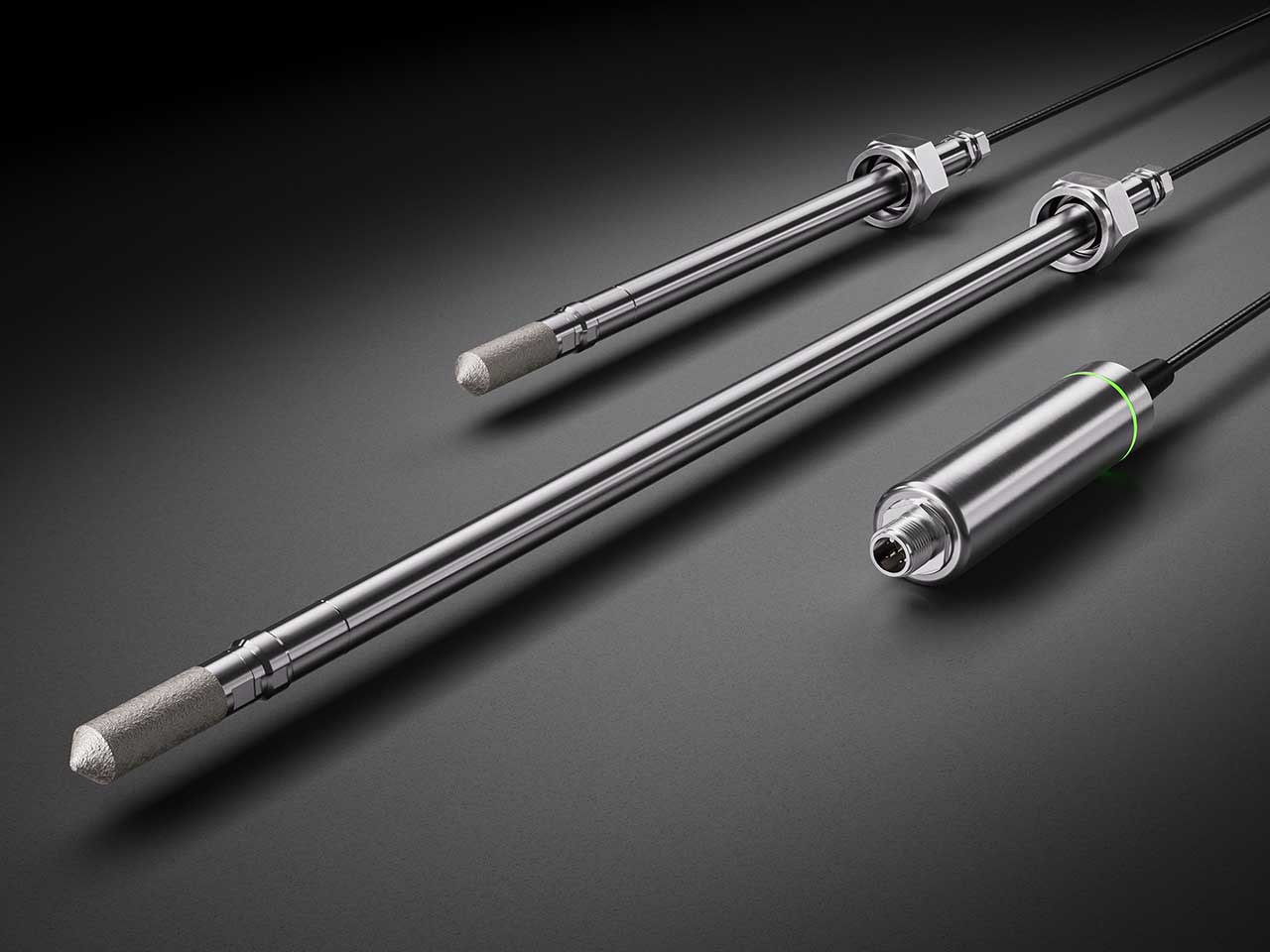
Relative Humidity and Temperature Probe HMP8
Vaisala HUMICAP® Humidity and Temperature Probe HMP8 is designed for pressurized applications in compressed air systems, refrigerant dryers, and other pressurized industrial applications where easy insertion and removal of the probe and adjustable installation depth into the pipeline are needed.
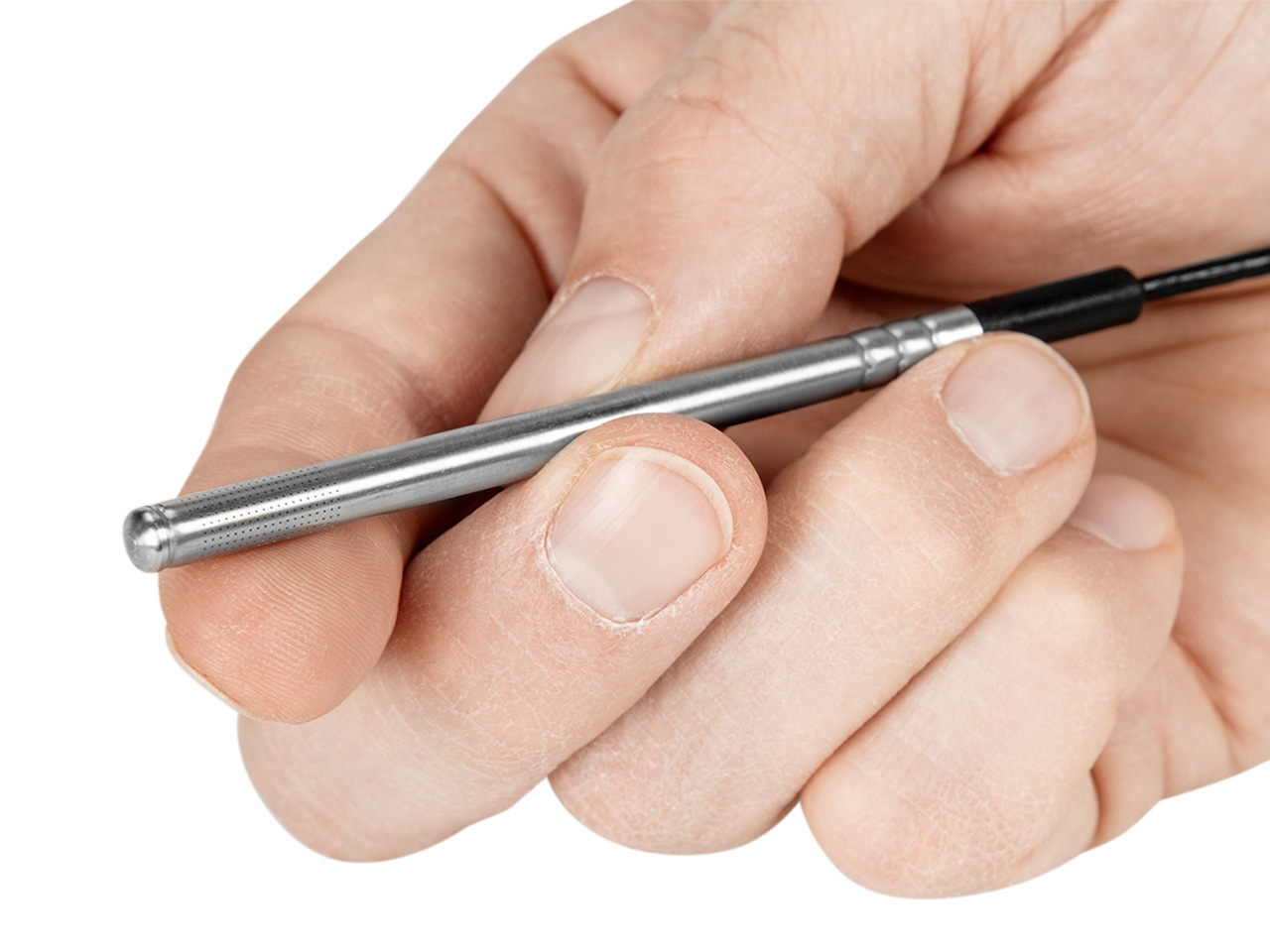
Compact Humidity and Temperature Probe HMP9
The Vaisala HUMICAP® Humidity and Temperature Probe HMP9 is designed for easy installation in rapidly changing environments where a fast response time, measurement performance, and chemical tolerance are essential.
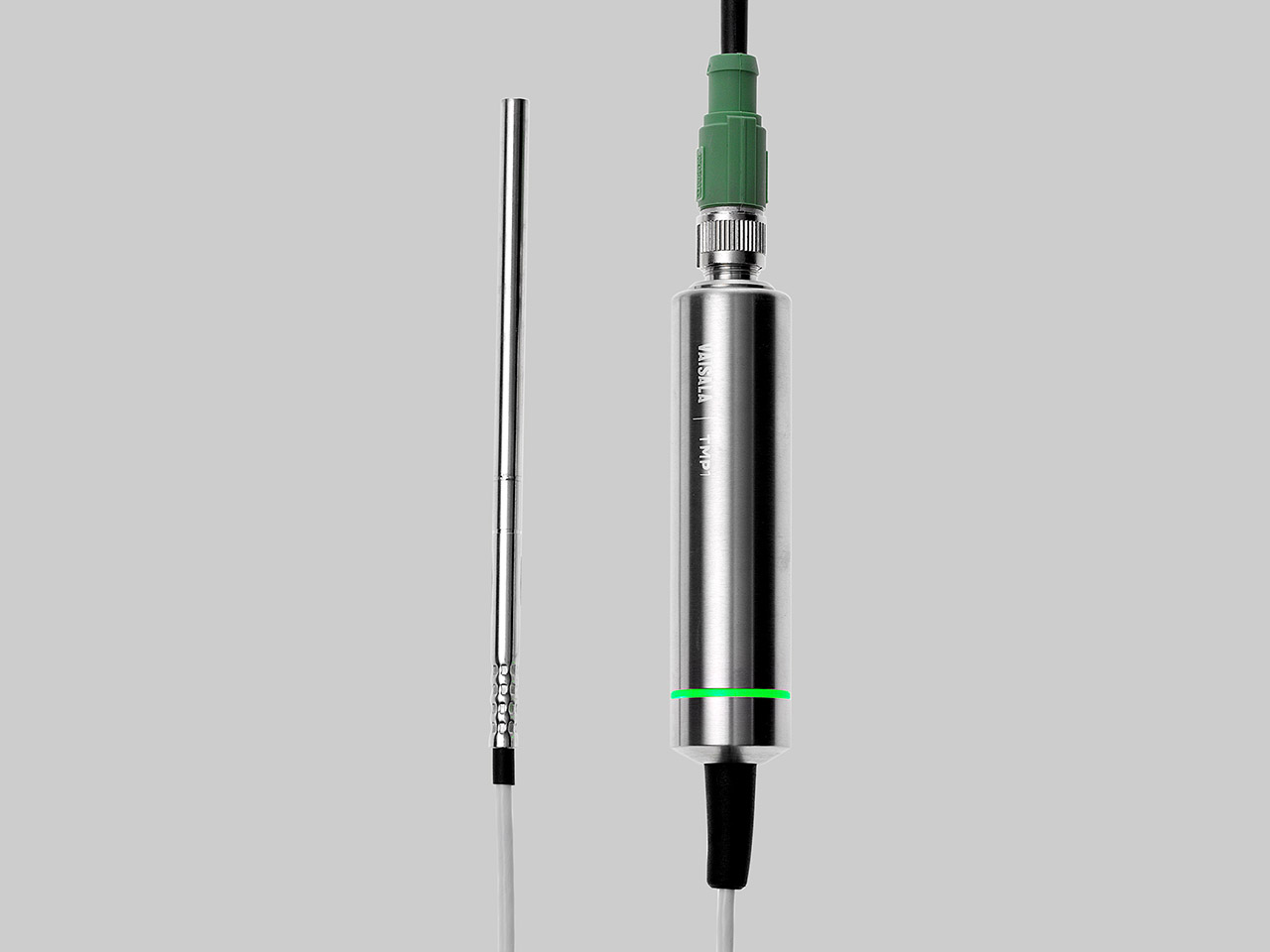
Temperature Probe TMP1
Vaisala Temperature Probe TMP1 is designed for demanding temperature measurements in industrial applications such as pharmaceutical industry and calibration laboratories, where accuracy and robustness are essential.
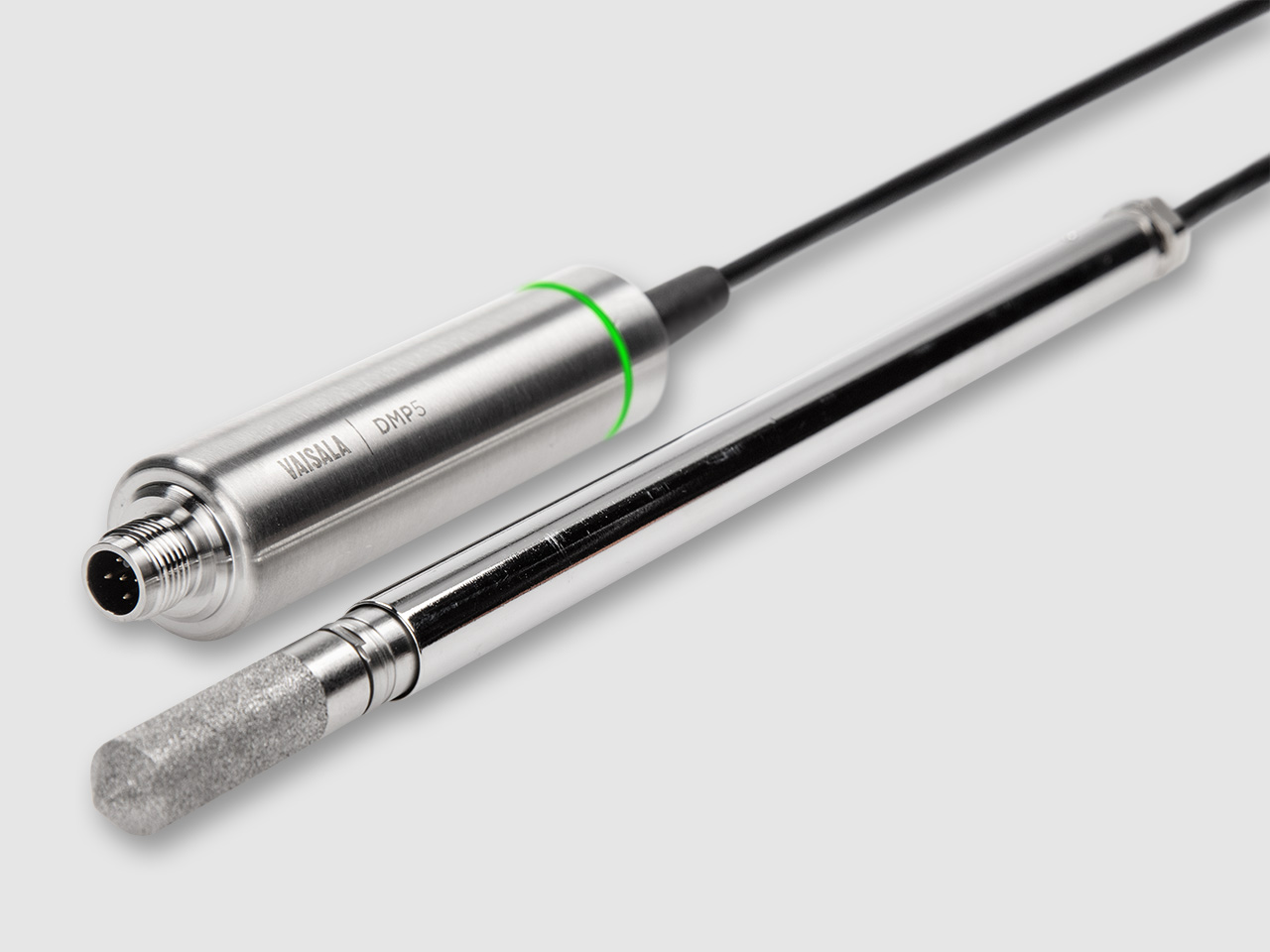
Dew Point and Temperature Probe DMP5
Vaisala DRYCAP® Dew Point and Temperature Probe DMP5 is designed for in-line humidity measurement in industrial drying applications with high temperatures and a wide dew point range.
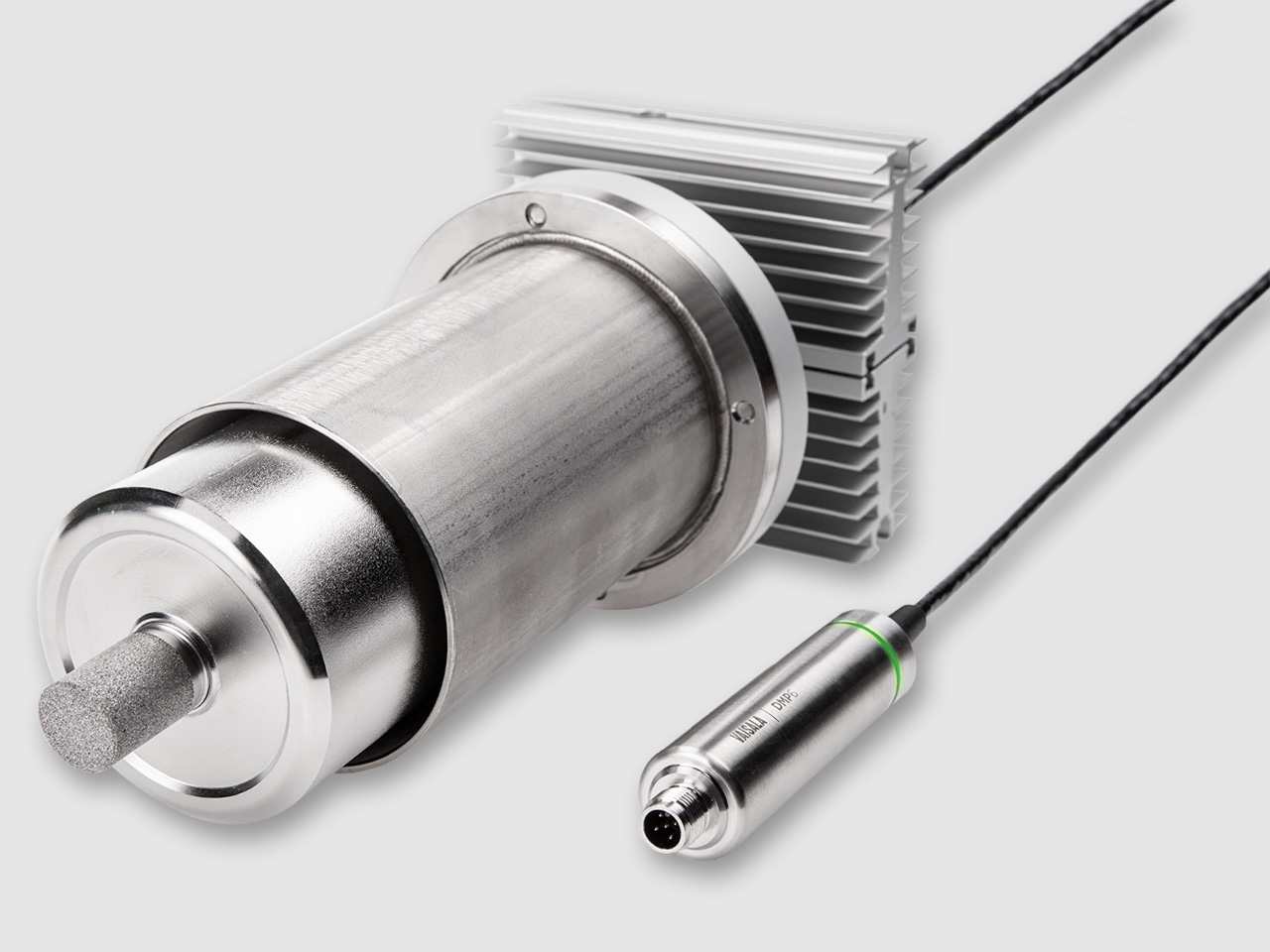
Dew Point Probe DMP6
Vaisala DRYCAP® Dew Point and Temperature Probe DMP6 is designed for in-line humidity measurement in industrial drying applications with very high temperatures and a wide dew point range.
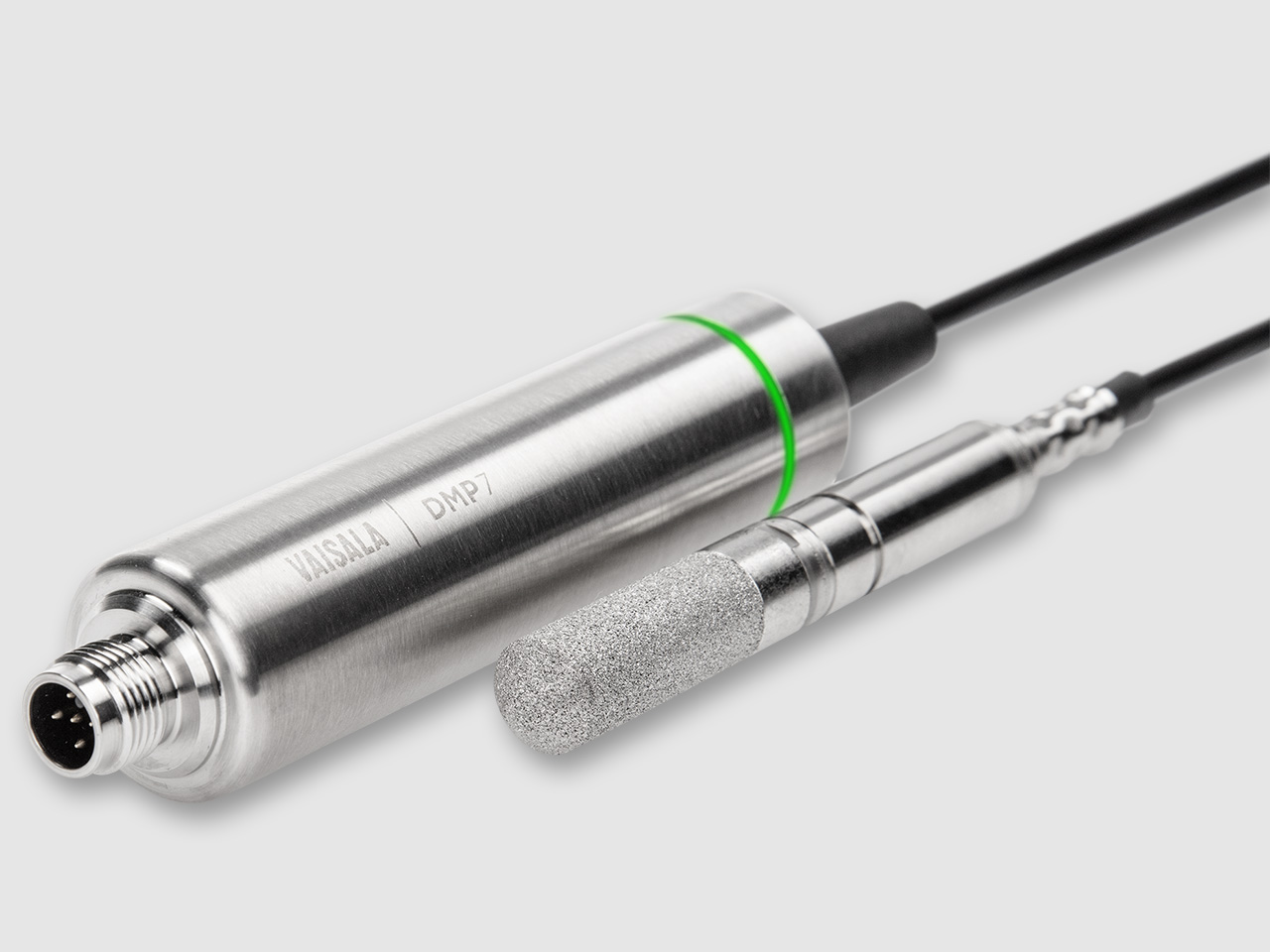
Dew Point and Temperature Probe DMP7
Vaisala DRYCAP® Dew Point and Temperature Probe DMP7 is made for tight spaces and low-humidity applications.
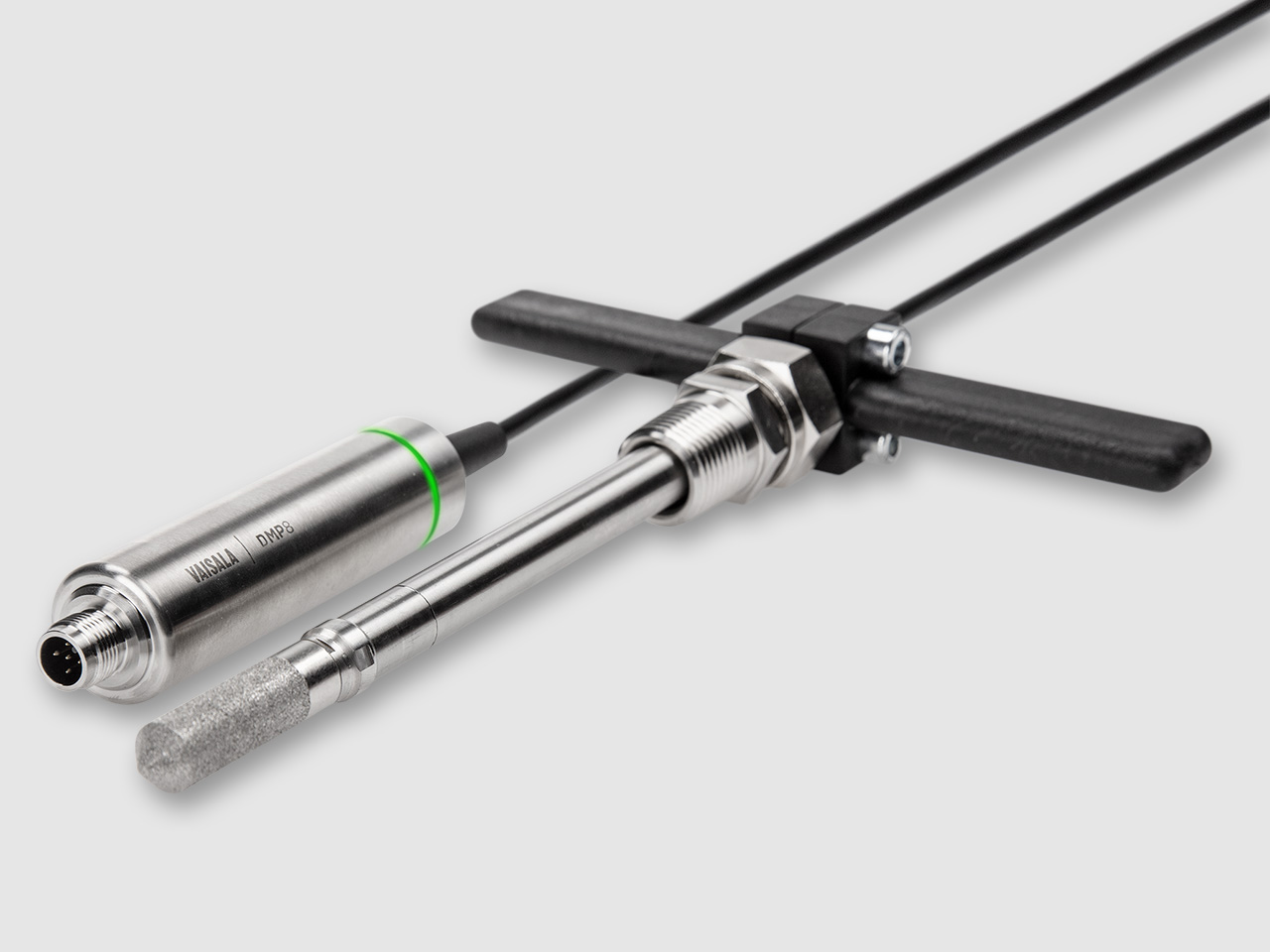
Dew Point and Temperature Probe DMP8
Vaisala DRYCAP® Dew Point and Temperature Probe DMP8 is designed for industrial low-humidity applications with pressure up to 40 bars.
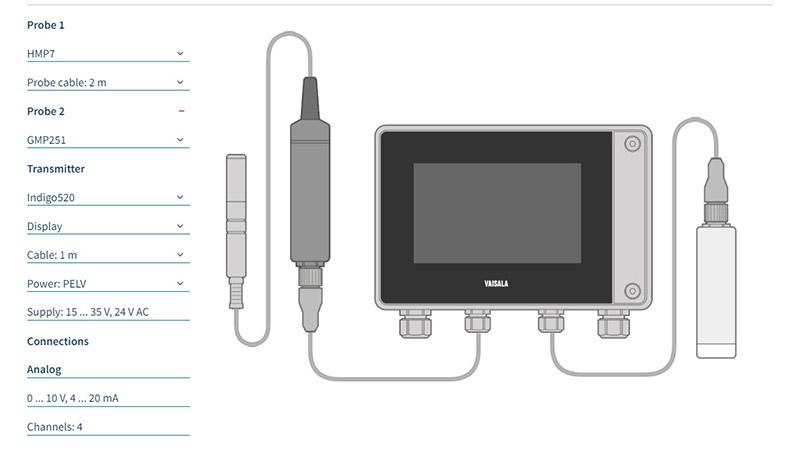
Indigo Selector
Discover your ideal Indigo compatible probe and transmitter combinations with the Indigo Selector tool.
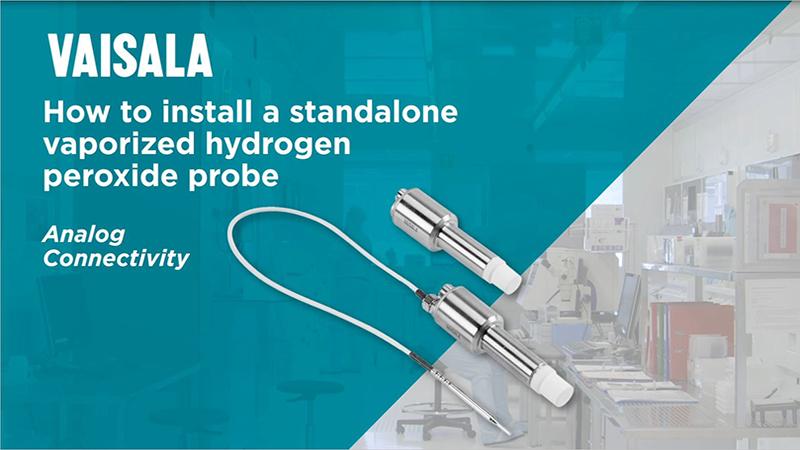
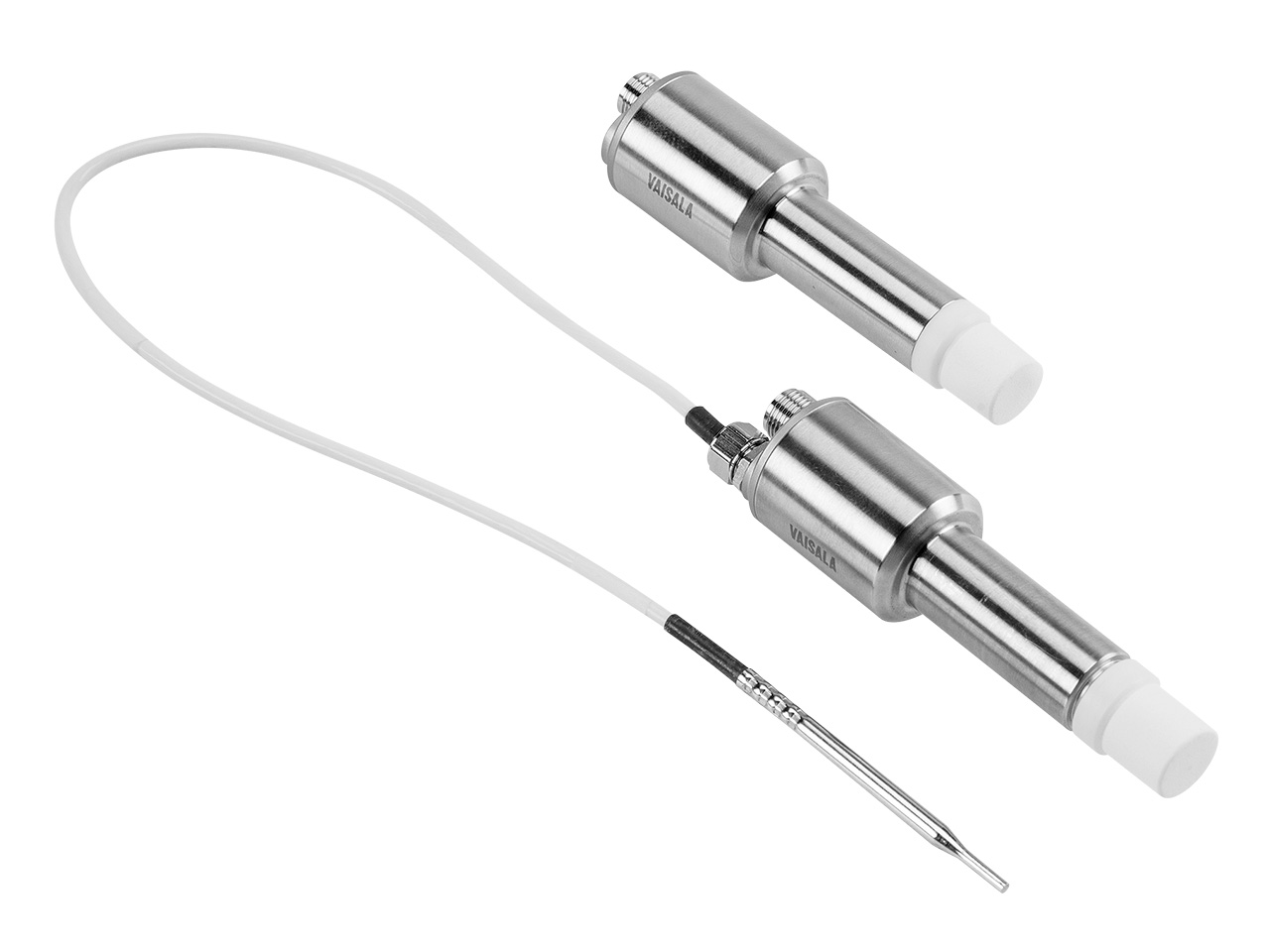
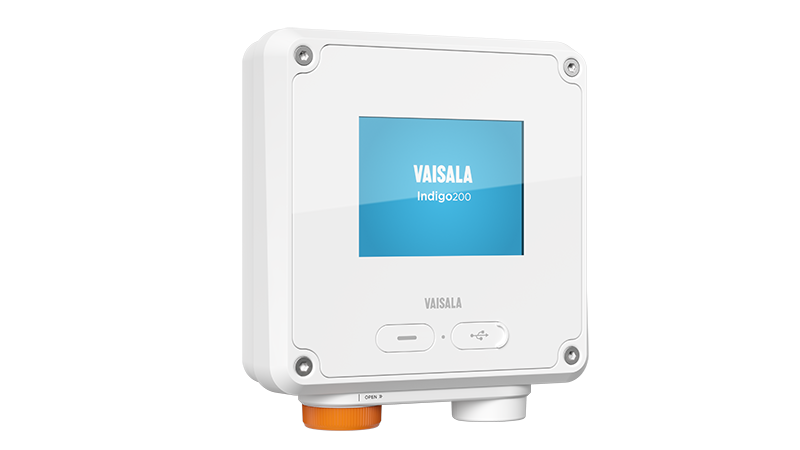
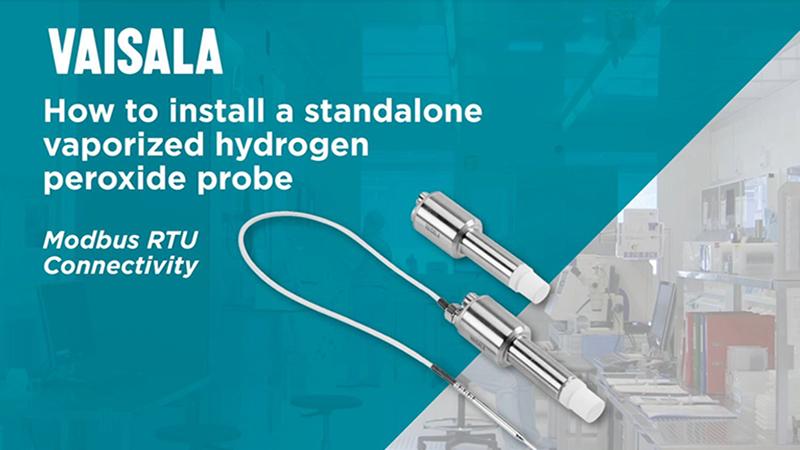



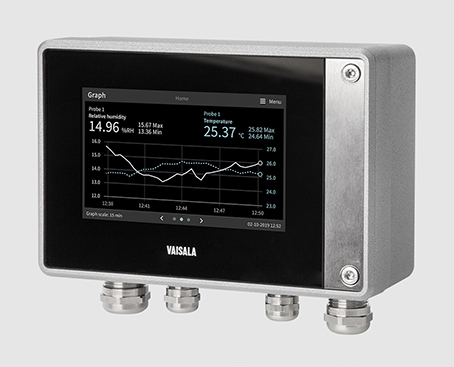 Even though the Indigo probes can be used as a standalone measuring instruments, using them together with an Indigo transmitter is highly recommended. For example, having a local display in the transmitter is useful, when something isn’t clear or there’s a problem, or when performing maintenance work in the field. Hidden costs may decrease considerably. For example, data from probes is shown on the transmitter display, allowing users to view what is going on.