In this webinar, we will go over methods and options for calibrating Vaisala’s HPP270 series probes. Maintaining the quality and consistency is the top priority in life science industries because reliable measurements are key to achieving quality targets. Good accuracy and well known long-term characteristics are valued features of a measurement instrument. Understanding the sensor behavior over its lifecycle is typically the most challenging task.
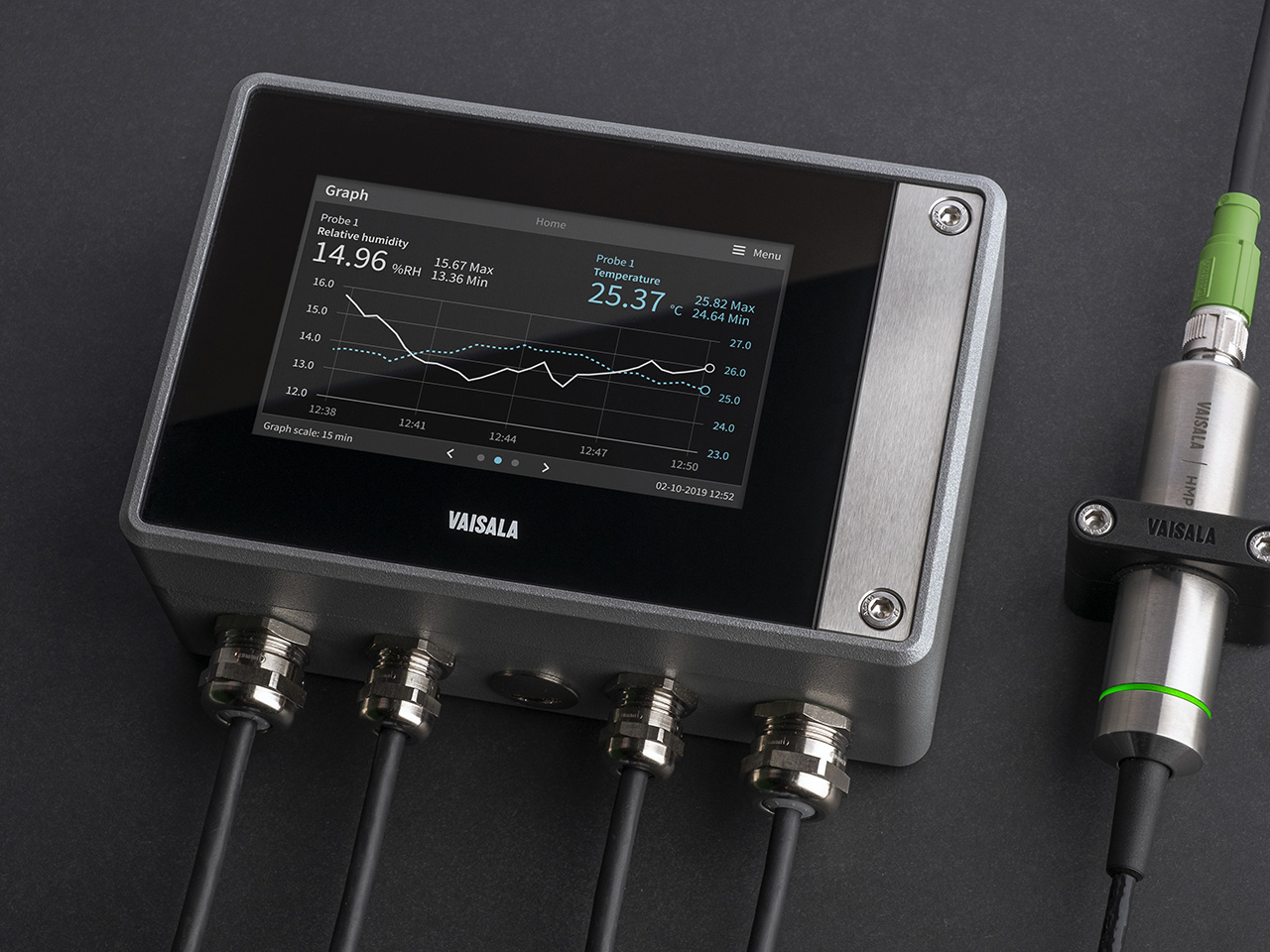
In this video, Vaisala Application Engineer Nevon Mansour demonstrates how to connect and configure the Vaisala HPP272 probe, which is used for vaporized hydrogen peroxide bio-decontamination applications. The Vaisala Indigo500 series transmitters are host devices for Vaisala Indigo-compatible probes. The Indigo500 series includes the Indigo520 and Indigo510 transmitters. In the video below, Nevon is demonstrating with the Indigo520. Please find the transcript below the video.
Transcript:
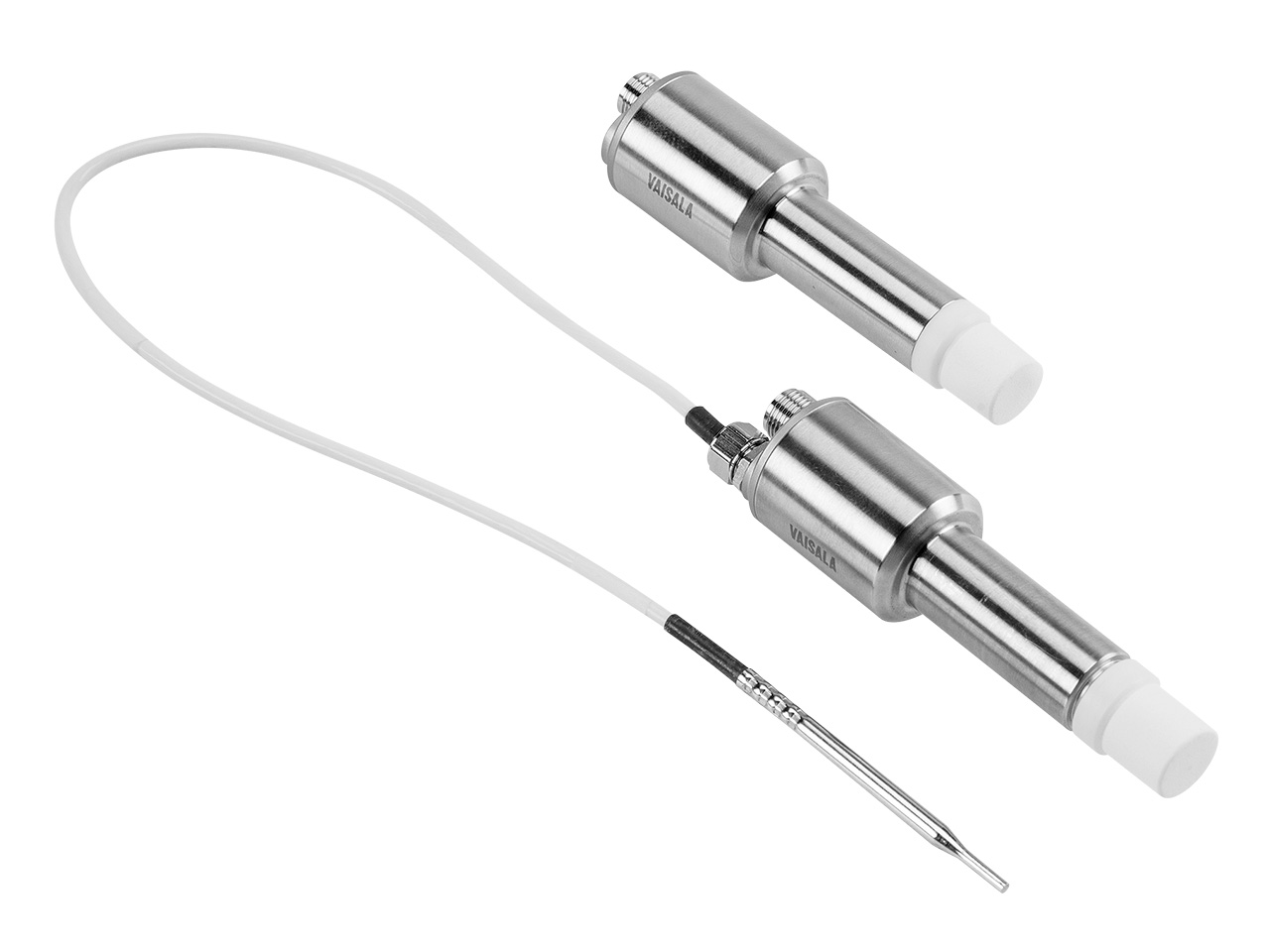
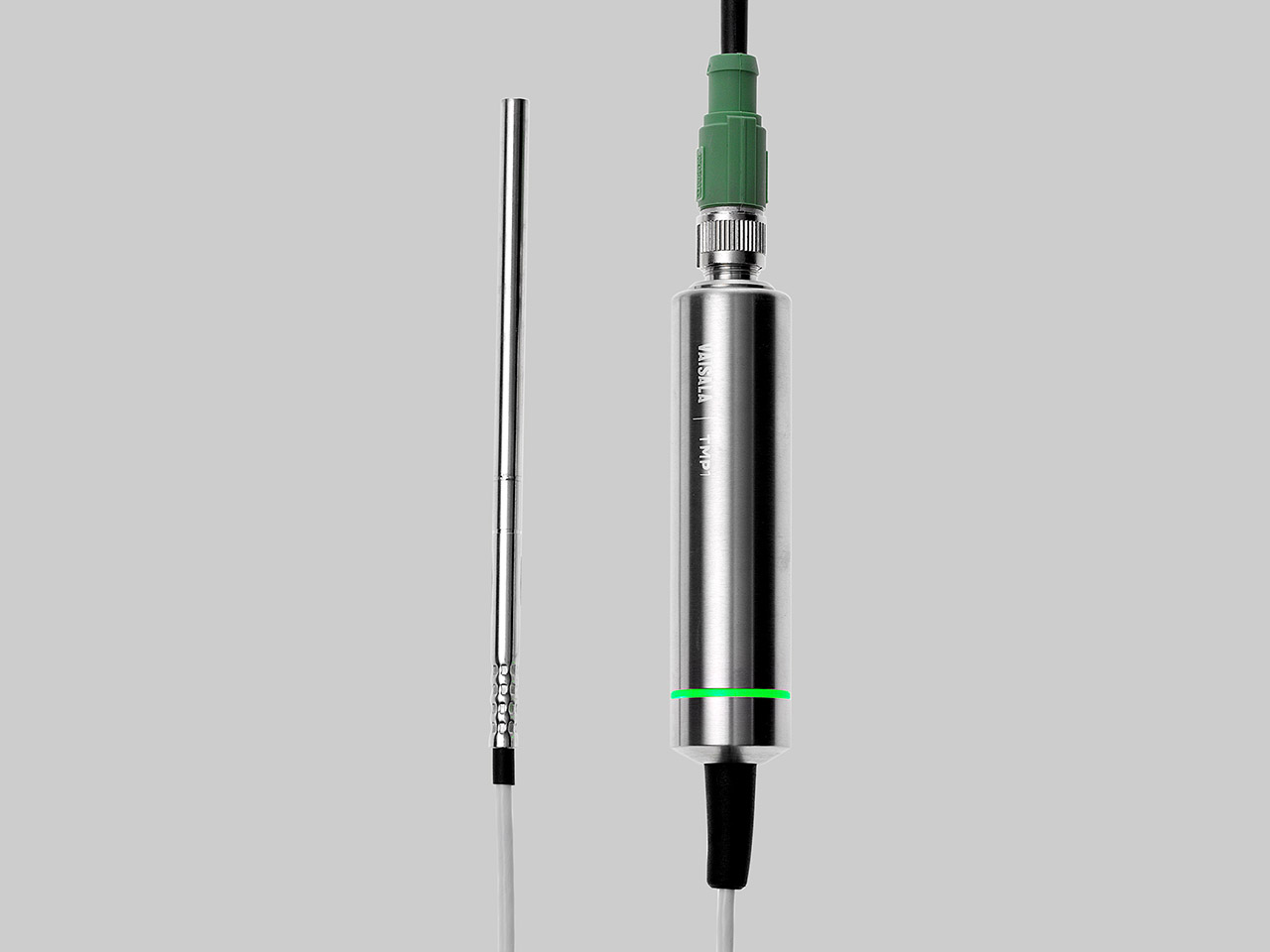
Hello, my name is Nevon Mansour and I work as an application engineer at Vaisala. Today we're demonstrating how to perform data logging with the Indigo520. We will set up the HPP272 probe as though we are going to do vH2O2 measurements in an isolator. We have the Indigo520, the HPP272, and the temperature sensor TMP1.
From this display you can see that the HPP272 measures hydrogen peroxide vapor concentration, relative saturation, and temperature the TMP1. With the temperature sensor, you can measure temperature from another location. The Indigo520’s data logging feature is available from version 1.13.1 onwards. (See version history.) To achieve data logging, check that your transmitter has that version or later.
Please note that I have already created web interface user. It’s important to do this before you begin to get access to your transmitter with your PC. If you need guidance on updating your software, or creating web interface user, please see the Indigo520 User Guide and we also have a video on configuring the transmitter.
I will create a physical connection between the transmitter and my PC. To do this you need an internet cable and hex key. Use the hex key to open the transmitter.
I connect the Internet cable to the transmitter and my PC. The last thing to do with the transmitter is to activate the web interface – see button labelled “Press to activate Web Interface.” Use a pointy object, like a pen and press the button. You will see that the web interface is activated from the green light above the button.
Let’s now configure the PC to the same IP address as the transmitter. Open your network connections. Double click on the right Internet port and select properties. Choose Internet protocol version 4. Select the radio button: “Use the following IP address”.
You will need to fill the IP address. It is 192.168.5.1. And then click OK. You then open your Web browser in the address (URL) field type: https://192.168.5.20 and then a colon, and 8443. Press “advanced” and proceed. Then you need to log in.
You now see the measurements, and from here you can export the data from this “export data” button at the top right. Choose what kind of log you would like to export, for example 10 minutes, 1 hour, 6 hours etc. Let's use the ten-minute log. Exporting the data might take some time.
Now, when the data is downloaded, you can analyze the data. Here you can see on top some basic information and then below the data for two of the probes. So first you can see for the HPP272. And then we can scroll and see the TMP1 temperature sensor data.
I hope you enjoyed this video! Thanks for watching!
If you have any questions about bio-decontamination with the HPP270 series probes or the Indigo transmitters, please contact us.
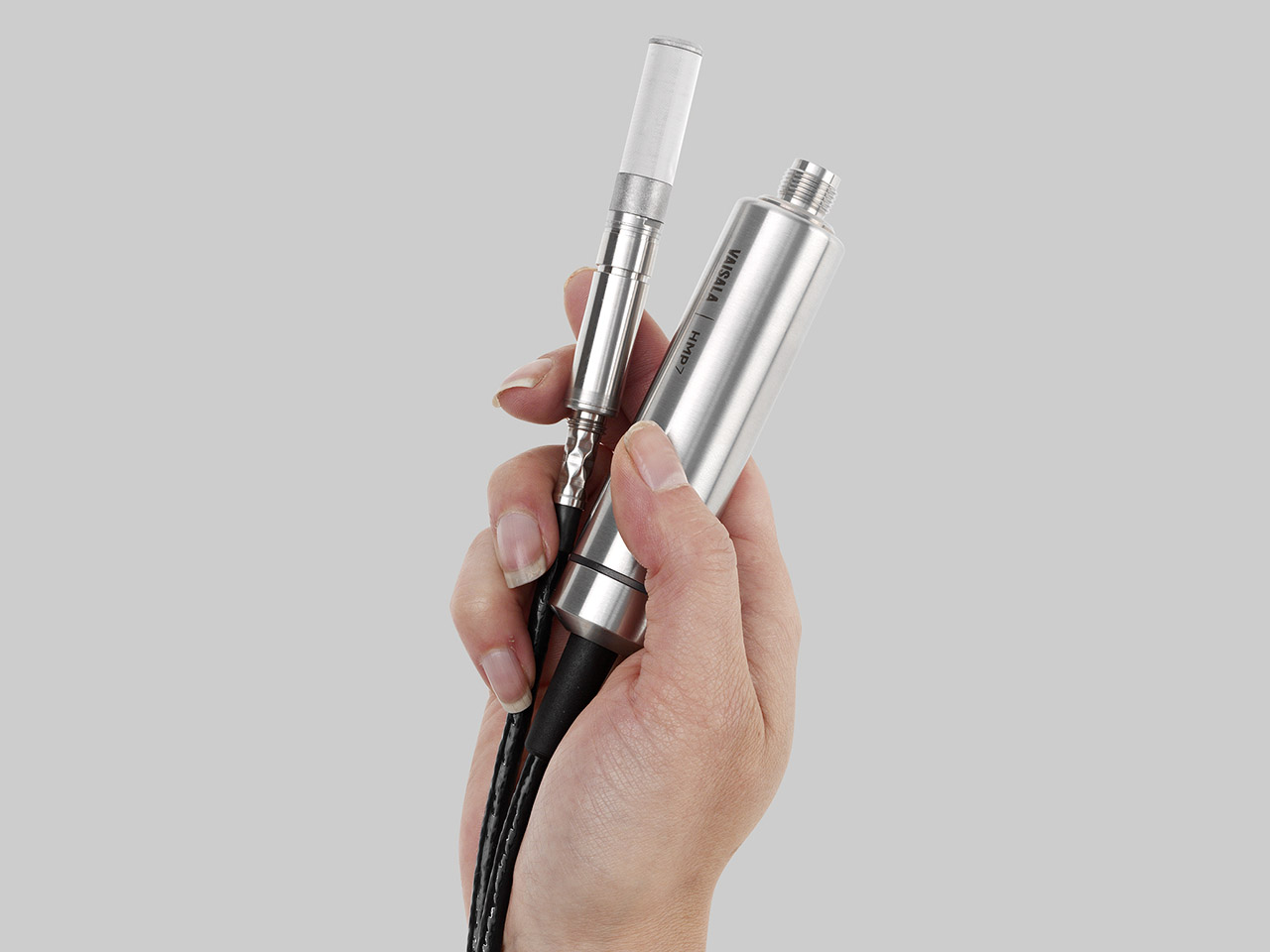
The Vaisala PEROXCAP® Hydrogen Peroxide, Humidity, and Temperature Probe HPP270 series probes are designed for demanding hydrogen peroxide bio-decontamination.
The Vaisala Indigo500 series transmitters are host devices for Vaisala Indigo-compatible, stand-alone smart probes. The Indigo500 series include multi-functional Indigo520 transmitter and Indigo510 transmitter with basic features.
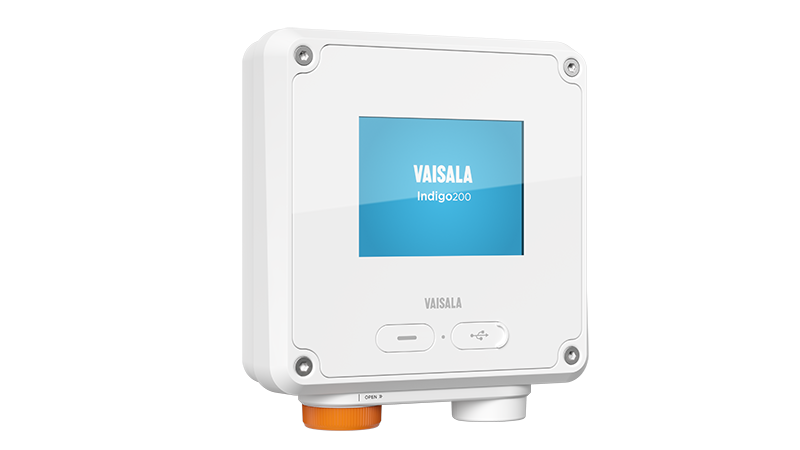
Vaisala Indigo200 series transmitters are host devices for displaying measurement values from Vaisala's Smart Humidity, Temperature, Dew Point, Moisture in Oil, CO2 and H2O2 Probes.
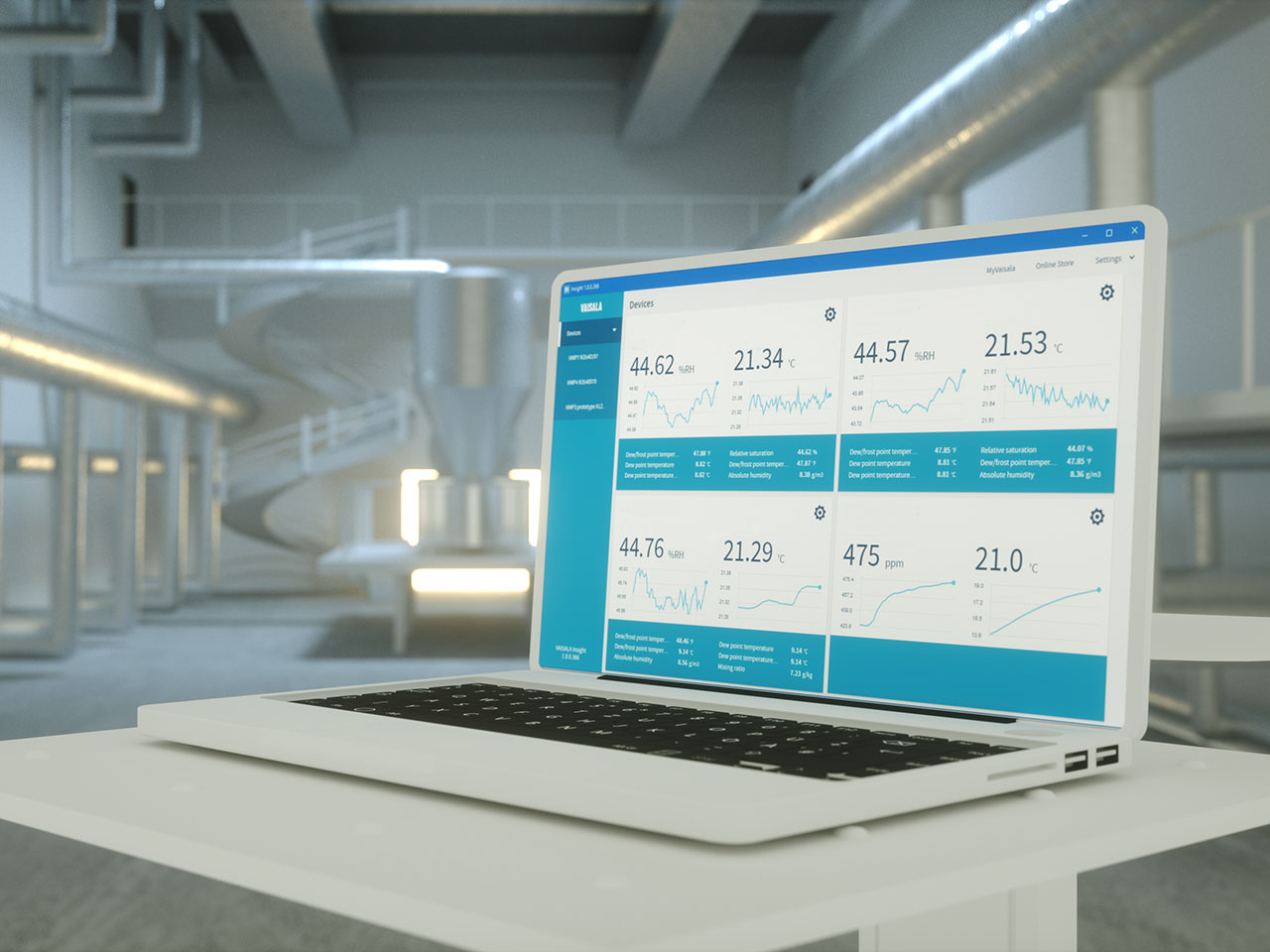
Vaisala Insight PC Software gives quick access to the configurations and data of the Indigo family measurement probes and other supported Vaisala devices.
vH2O2 Bio-decontamination: Optimizing Cycle Development in Aseptic Isolators
In this webinar, Vaisala Product Manager Joni Partanen is joined by Rick Nieskes of Ardien Consulting. Rick brings over thirty years of industry experience to show how to optimize cycle development for vH2O2 bio-decontamination in pharmaceutical isolators. Joni will describe the unique technology of Vaisala's vH2O2 sensor and the importance of calibration and maintenance of these sensors, exposed to the demanding conditions of vH2O2 bio-decontamination.
Ventilation systems are notorious for consuming a lot of energy. What if there was a way to cut down the costs without compromising the indoor conditions? Join the webinar to watch the expert discussion on what are the most effective methods to reduce HVAC energy consumption while improving the quality of indoor air.
What are the benefits of using dew point temperature as a control parameter in process control?
Dew point temperature is a useful parameter in many industrial applications because it is not dependent on temperature variations. It is often used to measure dryness in different drying applications, where the relative humidity (RH) is very low; it is also useful to know the dew point temperature in cases where you need to humidify a space or maintain high humidity in a controlled environment. Let’s say you have a space or an application with a relatively high humidity and you need to humidify or dry the space or maintain constant high humidity while maintaining a stable temperature. This would be impossible by using relative humidity as the control parameter since it is dependent on temperature. Instead, using dew point temperature as the control parameter would work perfectly.
How to calculate relative humidity from dew point temperature?
To help you get your dew point temperature controls to work in practice, we have put together a downloadable white paper. It includes everything you need, from formulas (with and without process pressure) to correlation coefficient tables for different temperatures. You’ll also find a checklist of what to consider when choosing your measurement instruments.
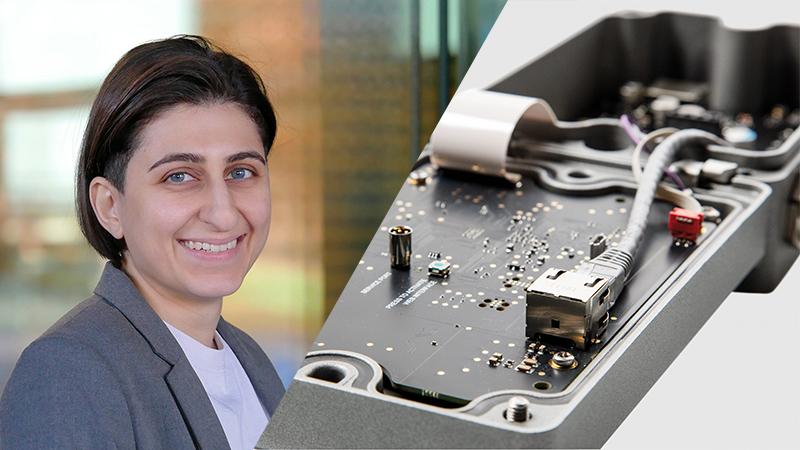
Nevon works as Product Manager at Vaisala Industrial Measurements and has several years of industrial experience. She holds a Master of Science degree in Mechanical engineering from the University of Oulu, Faculty of Technology.
Vaisala Temperature Probe TMP1 is designed for demanding temperature measurements in industrial applications such as pharmaceutical industry and calibration laboratories, where accuracy and robustness are essential.
The Vaisala Indigo500 series transmitters are host devices for Vaisala Indigo-compatible, stand-alone smart probes. The Indigo500 series include multi-functional Indigo520 transmitter and Indigo510 transmitter with basic features.