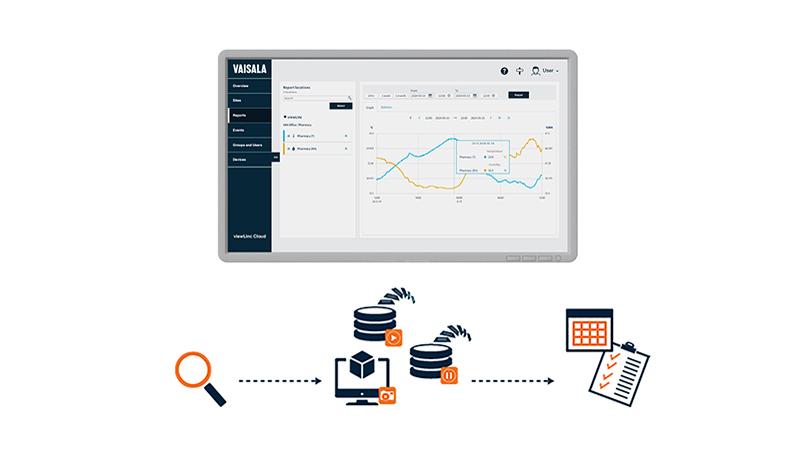
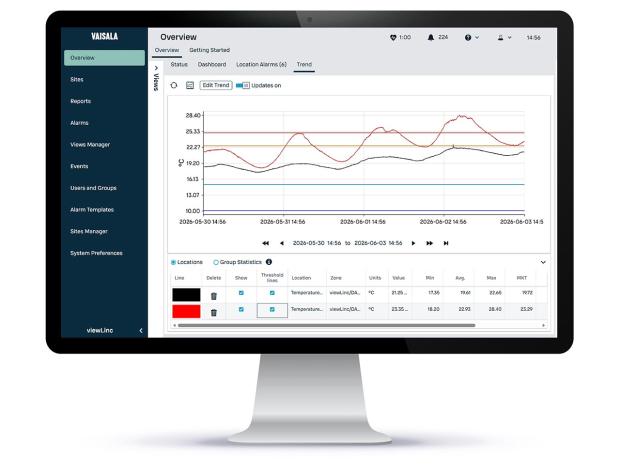
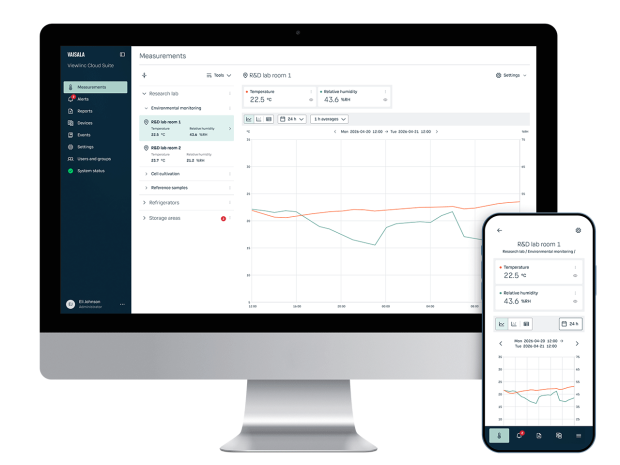
Updating a monitoring system can feel risky—especially when it supports critical operations in regulated environments. But staying on older Viewlinc versions can be riskier: many legacy deployments run on end-of-support Windows Server platforms and may rely on outdated security technologies (e.g., older TLS versions). That combination can increase cybersecurity exposure and create avoidable pressure during audits, IT reviews, and change control.
This webinar outlines a clear, supported approach to updating Viewlinc so you can plan the change, reduce disruption, and verify performance with confidence—including how to align the software update with OS prerequisites and security expectations.
In this webinar, you’ll learn how to:
- Recognize when an update is urgent (end-of-support OS, security vulnerabilities, and unsupported Viewlinc versions)
- Prepare properly with prerequisites, backups, and documentation to support change control
- Follow a controlled update pathway, whether you’re on an older or newer release
- Verify critical functions after the update (users, audit trail, alarms, reports, data flow, integrations)
- Unlock practical benefits of current releases, including security improvements, broader device support (RFL/VDL), and a supported software/OS foundation
Bonus download: A printable Viewlinc ES software update checklist with risk checkpoints and go/no-go decision points to support internal approvals.
If you have already attended or registered for this webinar, please click here. Otherwise, please watch the recorded webinar by filling the form.